How to Connect PAX A920 Pro to Wifi
1. How To Tell if The Terminal Is Not Connected to Wifi
There will be a wifi symbol with a question mark on the top left + no white Wifi symbol on the top
2. How to Get Connected
First, pull down from the top of the screen. A small bar menu should appear:
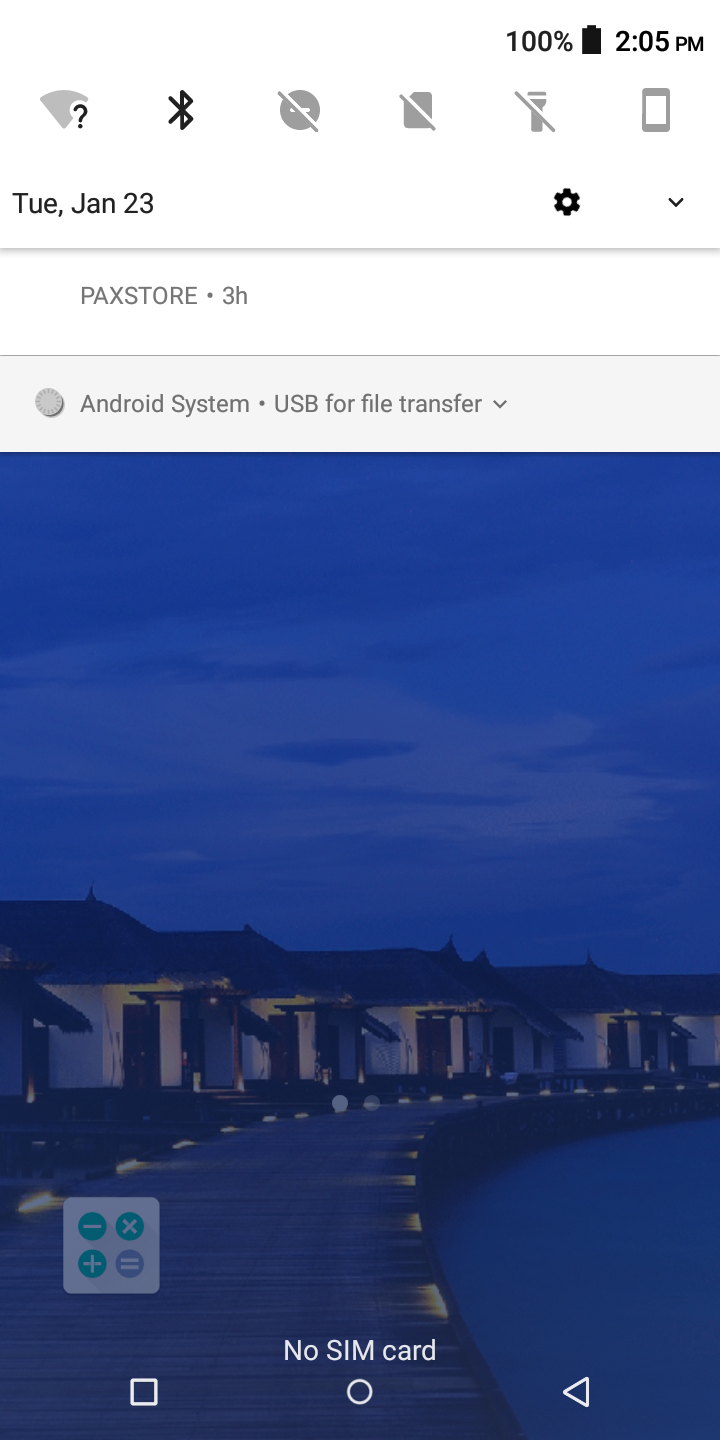
Pull down on the bar menu one more time, and it will expand the quick settings screen. Tap on the little arrow next to Wi-Fi, and it will show you the networks around you.
Now their should be a small selection of networks around you. Tap on the desired wifi network.

If the desired network isn't showing up, click More Settings at the bottom to show all networks around you.
Once you find the desired network, please input the password.
If the password that you put in was correct, it should connect and say Connected.
Once the wifi is connected, tap the Circle button at the bottom of the screen to go back to the Home Screen. Now you should see the Wifi symbol at the top filled in, and that means you are all set.